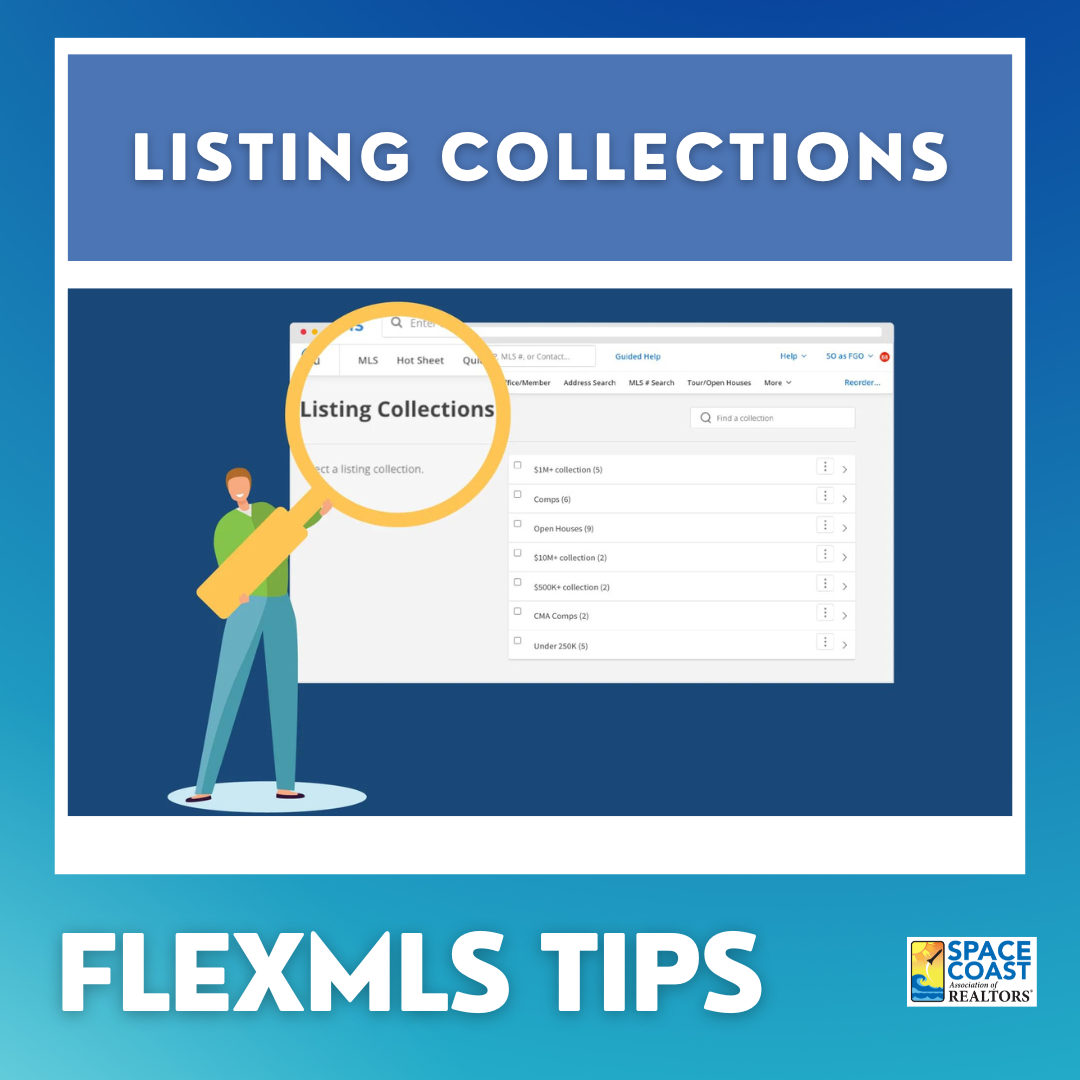
Creating a Listing Collection in Flexmls allows you to save and keep track of a specific group of listings.
If you're looking to keep track of a specific group of listings in Flexmls, creating a Listing Collection is the way to go. This feature allows you to save and organize listings according to your preferences. To get started, simply navigate to the My Listings menu and select Listing Collections. From there, you can choose to create a new Collection and give it a name. Once you've created your Collection, you can start adding listings to it by selecting the ones you want and clicking the Add to Collection button. You can also remove listings from your Collection at any time. Overall, creating a Listing Collection is an easy and efficient way to stay on top of your preferred listings in Flexmls.
Click here for video tutorial